



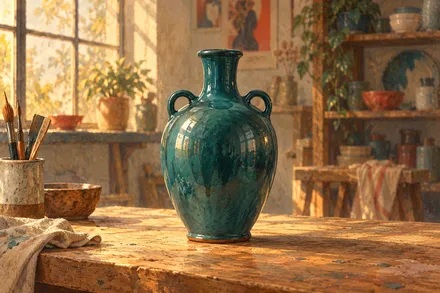

The vision workbench for macOS

BadBob

Teach machines to see.

Your images. Your models. Your imagination.
One thoughtful space to bring them together.

Native on Mac · Local training · Made for curious minds

Good models start with good images.Scroll to discover
CaptureAnnotateCurateTrainCompareImprove
01 / The complete pictureFrom first capture to next model

A complete loop.
In your hands.

Good computer vision takes more than a training button. BadBob connects the careful work before, during and after it.

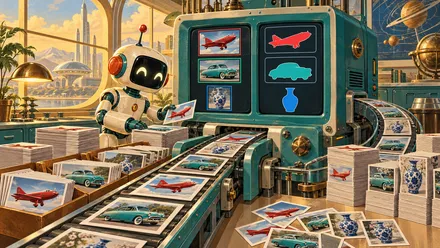
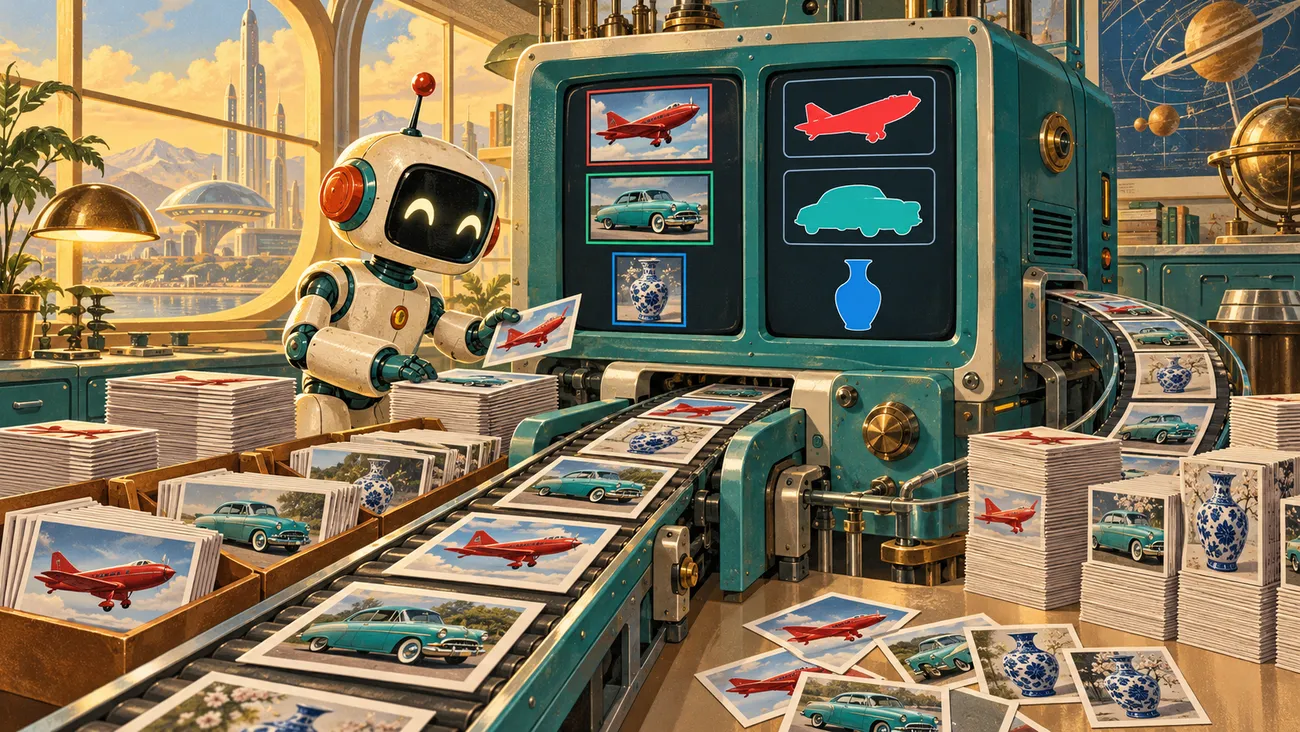
BadBob robot organizing photographs in a creative workshop
Capture LabWorkflow illustration / 01

01 / Capture Lab

Start with the real world.

Collect the images your model actually needs. Capture from a camera, explore a tricky scenario, or build coverage across your project classes.

  • Live camera capture
  • Class coverage and focused sessions
  • Send images straight to Annotator

Keep exploring
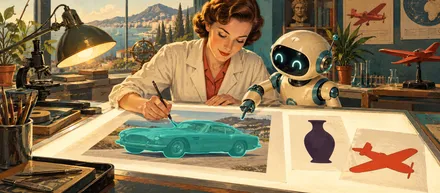
BadBob robot working among books and visual references
AnnotatorWorkflow illustration / 02

02 / Annotator

Give every image meaning.

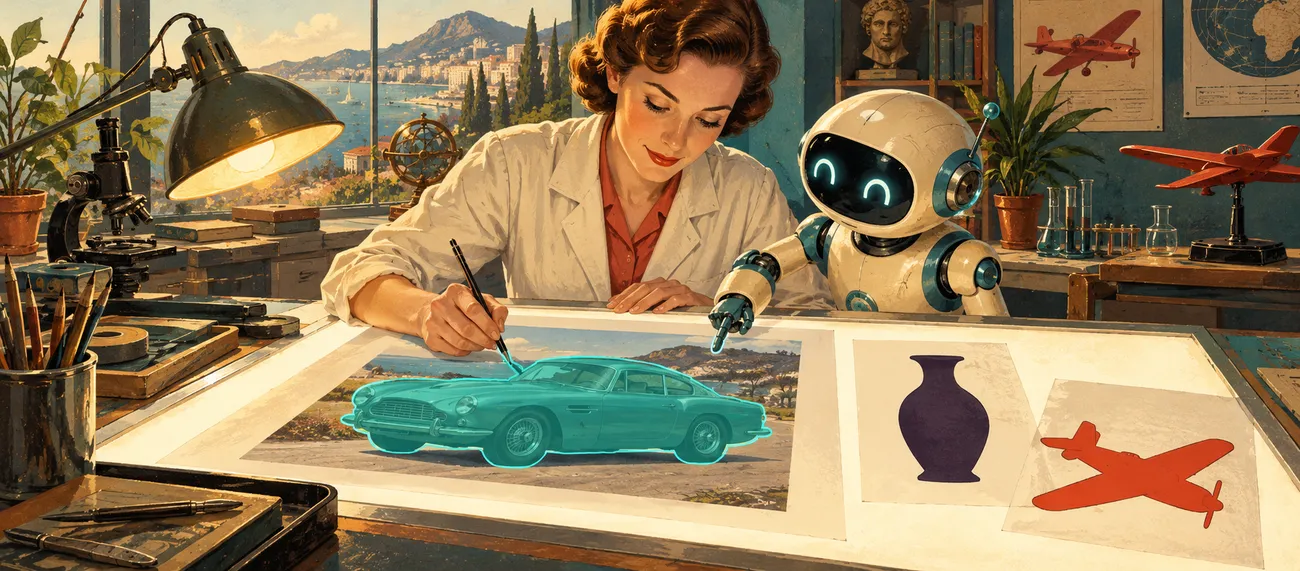
Draw boxes and contours, review AI suggestions, and keep your work organized in named annotation lists. The little details are where a useful dataset begins.

  • Boxes and editable contours
  • Model-assisted suggestions
  • Saved revisions and named lists
Keep exploring
Illustration of photographs being sorted into visual categories
Data StudioWorkflow illustration / 03

03 / Data Studio

Build a dataset you trust.

Turn reviewed images into versioned datasets. Keep training, validation and test images distinct, so your next result has something honest to measure against.

  • Versioned dataset manifests
  • Dedicated train, validation and test splits
  • Traceable image and annotation references
Keep exploring
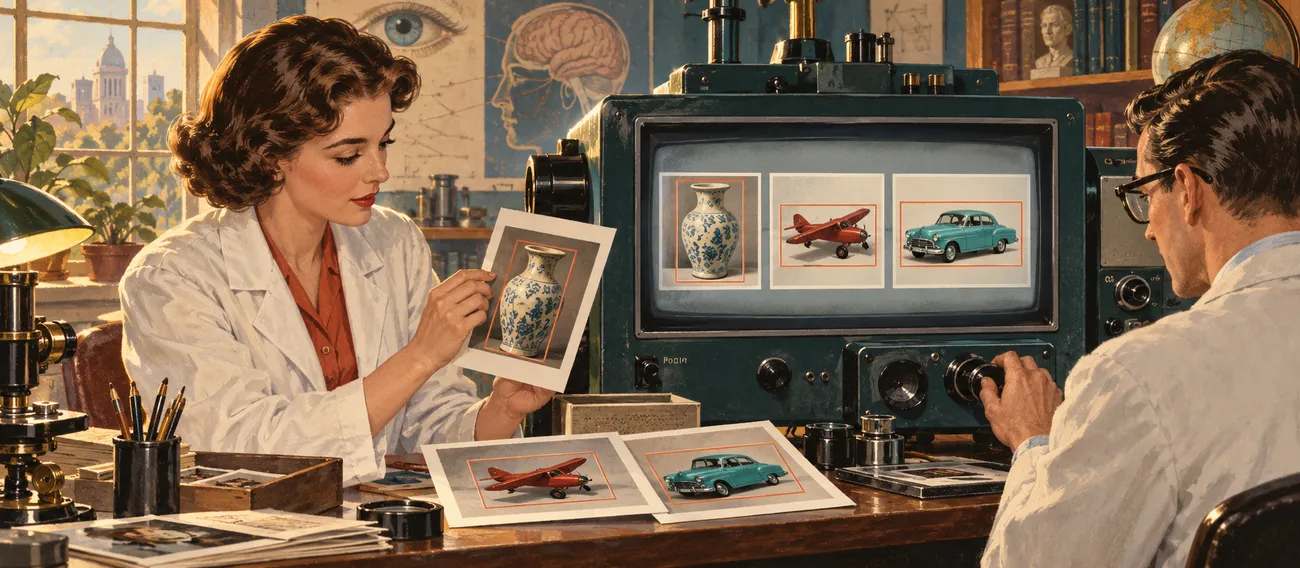
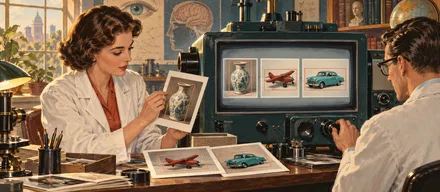
Two researchers comparing bounding boxes around a vase, a plane and a car in an illustrated workshop
TrainingWorkflow illustration / 04

04 / Training

Put your images to work.

Train object detection with Create ML or follow the segmentation path. Preview optional augmentation before you run, and keep an eye on progress as your model learns.

  • Create ML object detection
  • Segmentation training
  • Opt-in augmentation for training images
Keep exploring
Illustration of the robot inspecting image shapes and model outputs
Compare & improveWorkflow illustration / 05

05 / Compare & improve

Learn from what went wrong.

Compare model candidates on a shared dataset. Inspect difficult predictions in Failure Bank, then bring those lessons back into your next round of images.

  • Reference and candidate comparisons
  • Review difficult predictions
  • An ongoing capture-to-model loop
Keep exploring
02 / A little machine learningTwo paths. Plenty of possibility.

Same curiosity. Different questions.

Find the object.
Follow the shape.

Sometimes you need to know where something is.
Sometimes every edge matters. Choose the path that fits.

Two researchers comparing bounding boxes around a vase, a plane and a car in an illustrated workshop01 / Object detection

Powered by Create ML

“What is it,
and where is it?”

Teach a model to recognize your project classes and locate them with bounding boxes. Build on Apple's Create ML training tools, right on your Mac.

Classes → Boxes → Detections
Illustrated robot workshop exploring segmentation and object contours02 / Segmentation

Look a little closer

“Where does
the object end?”

Move beyond rectangles. Annotate contours and follow the segmentation training path when your project needs the shape of an object.

Contours → Masks → Shapes
03 / A few things we care aboutThoughtful tools. Room to think.

Your work.
Your world.
Your way.

Made for people who want to understand their data, shape their tools and keep creating.

A native Mac app.
A very human approach.
A

Keep the work close.

Capture, annotate and train on your Mac. Work with local projects and image banks, with training environments prepared for the path you choose.

B

Know what went in.

Named lists, saved annotation revisions and dataset versions keep the journey traceable. A result means more when you know where it came from.

C

A little help, right there.

A contextual manual follows the section you're in. Quick starts, search and bookmarks help you find the next step when the workflow gets interesting.

BadBob's cheerful robot surrounded by books in a sunlit libraryA small robot. A curious mind.

04 / The human behind the robot

Serious tools.
A playful soul.

Behind the little robot is a serious amount of care. BadBob brings interface design, native development and practical computer vision into the same project.

Built by Johan, with a soft spot for useful tools and the small details that make them feel right.

Meet the maker
Product designSwiftUIComputer vision
05 / A few good questionsCuriosity is encouraged.

Good
question.

01What can I build with BadBob?

Work on custom object detection and segmentation projects: from everyday objects and hobby experiments to a dataset for your next product. You define the project classes and collect the images that matter for your use case.

02Does it run on my Mac?

BadBob is a native macOS application. Create ML supports the object detection training path; segmentation uses a separately prepared local training environment. Hardware and available memory affect what you can train and how long it takes.

03Do I need to upload my training images?

The core capture, annotation, dataset and local training workflow runs with your projects and image bank on your Mac. You can also work with shared storage. Training tools and models may need to be downloaded when you prepare an environment.

04What happens to validation and test images?

They have dedicated dataset splits. Training augmentation is optional and applies to the training images, while your originals and reserved validation and test images stay unchanged.

05Where can I download it, and what will it cost?

BadBob is in active development. Public downloads, trial terms and final pricing are being prepared. This first website introduces the product and its workflow; purchasing is not available here yet.

Public downloads / Coming soon

What will you
teach it?

A camera, a little curiosity, and a project worth making.
Your next model starts with you.